
If you are comparing sites to register a song, the difference shows up in what they ask you to do before you have the certificate. On many registries you first buy credits or a plan, choose a file type, rights and a licence, and sometimes verify your identity. On others, registration is mixed with distribution or promotion. Shamusic does one thing: it registers music. That is why the path is short.
We only register music
We do not register texts, photos, designs or software. We register what you are making as a musician: lyrics, a melody, a voice note, a demo or the finished song. The record talks about authors, roles and percentages. A loose file next to a logo is a different product.
Staying with music is the work of the team. We do not distribute the recording, we do not collect royalties and we do not sign you up with a collecting society. The official registry in your country is still a separate step. Shamusic leaves the proof of the work.
Fewer steps, and you can see them on the site
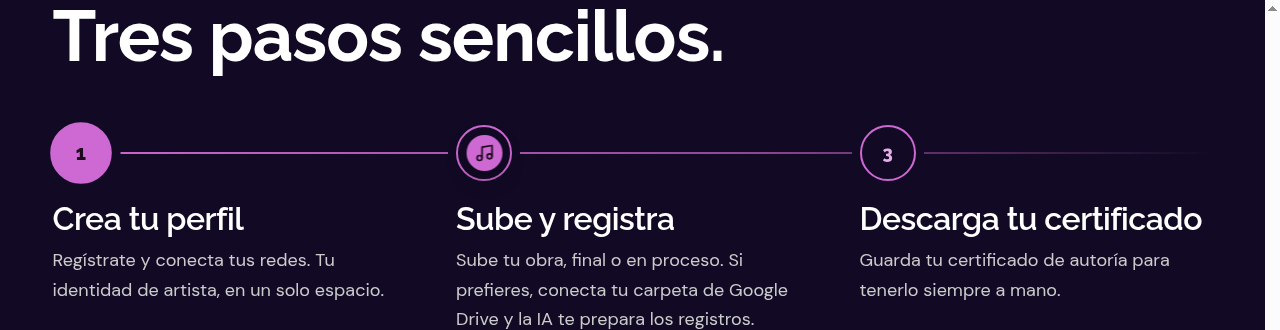
On the Shamusic page the path fits in three steps: you create the profile, you upload the work or connect the folder, and you download the certificate.
There is no credit shop before you start. When you create the account, the first 3 works are free. For the first 7 days, each extra work costs 1 € plus VAT. After that, 3.99 € plus VAT per work. The Pro plan costs 9.99 € plus VAT per month and includes the works without paying them one by one. Prices are shown without VAT. The detail is on the plans page.
Shamusic does not yet have a plan to upload a whole album as one subscription. Each work is registered on its own.
AI prepares it. You confirm
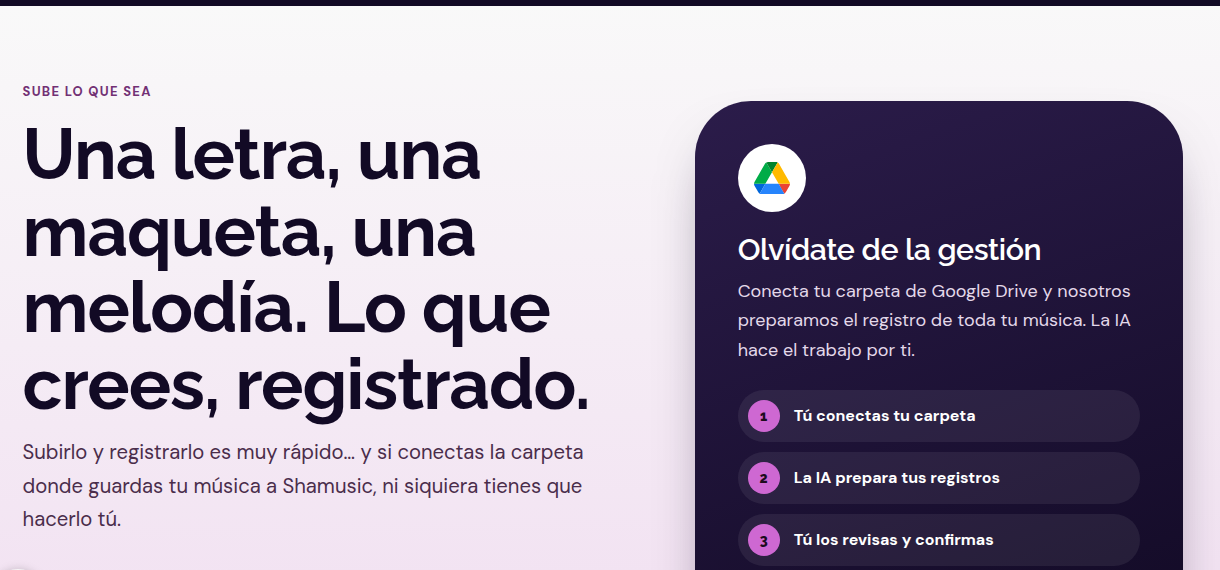
You can upload the file by hand at open.shamusic.es. If the music is already in Google Drive, you connect that folder. Shamusic reads it as read only. AI prepares the records. You review the title, the authors, the role and the percentage. If there are several of you, the shares have to add up to 100%. Nothing is registered until you confirm.
The order the platform shows is this: you connect the folder, AI prepares the registrations, you review them and confirm.
The long walkthrough is in How to register songs online.
The certificate, once it is ready
When you confirm, you get a PDF with the title, the origin of the work (human, assisted or with AI), the split, the hash on Arbitrum and a QR code to open it on Arbiscan. If you already have an IPI or an ISWC, they go on the same record. If you do not, the field stays N/A and the registration still exists.
Each field is explained in The Shamusic certificate explained.
What it does not do, on purpose
It does not replace the public registry or your collecting society. It does not assign an ISRC or upload the master to the stores. It does not turn your statement into a court ruling. If the data you confirm is false, the certificate carries that error.
What it does is leave you a clear proof of a musical work, with a date, authors and a seal another person can open.
Frequently asked questions
Why do you not register any file?
Because the product is built for music. A text or a photo fits a generic registry better. A song, with authors and a split, fits here.
Does the AI register on its own?
No. It prepares the records from the folder or the file. You confirm. Without that confirmation there is no registration.
Do I have to pay to try it?
No. The first 3 works are free when you create the account.
Share your music, protect it first
Registering music, and only music, is the work of Shamusic. You start with 3 works free.
Register your song at open.shamusic.es
Share your music, protect it first.